Mum sees the day from work
The weekSunday
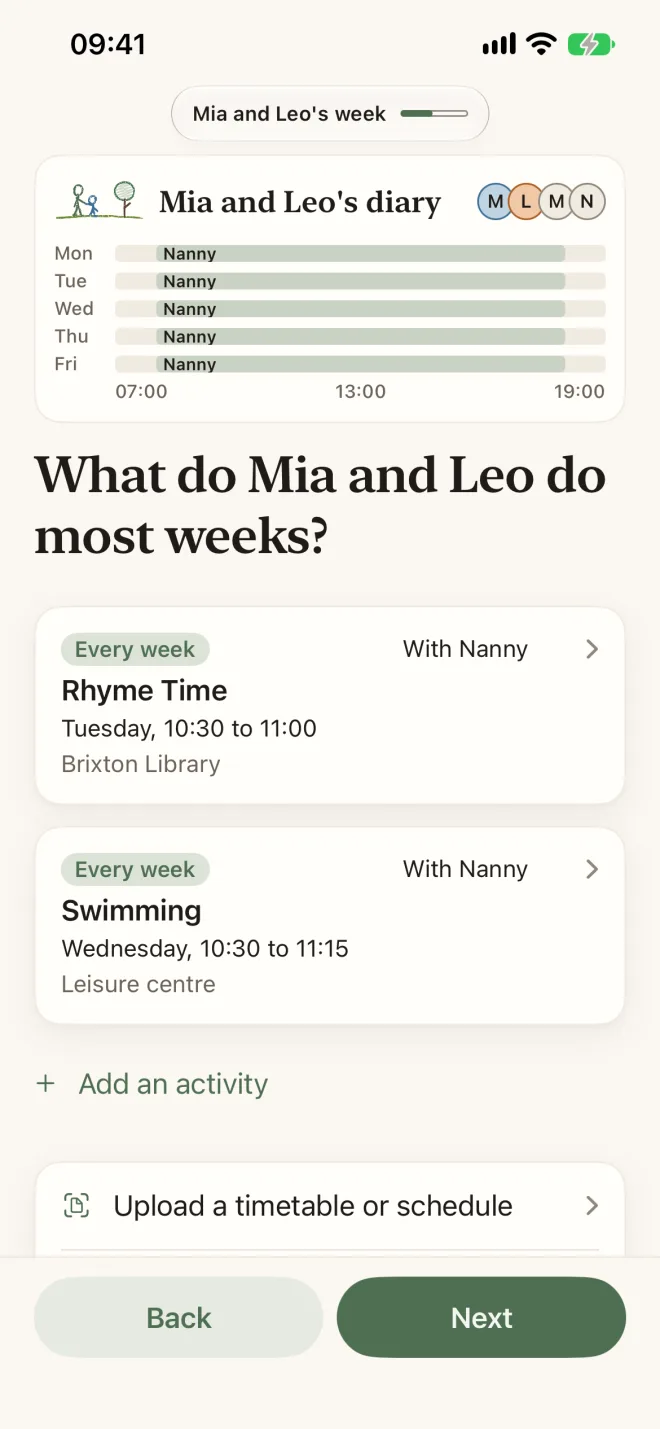
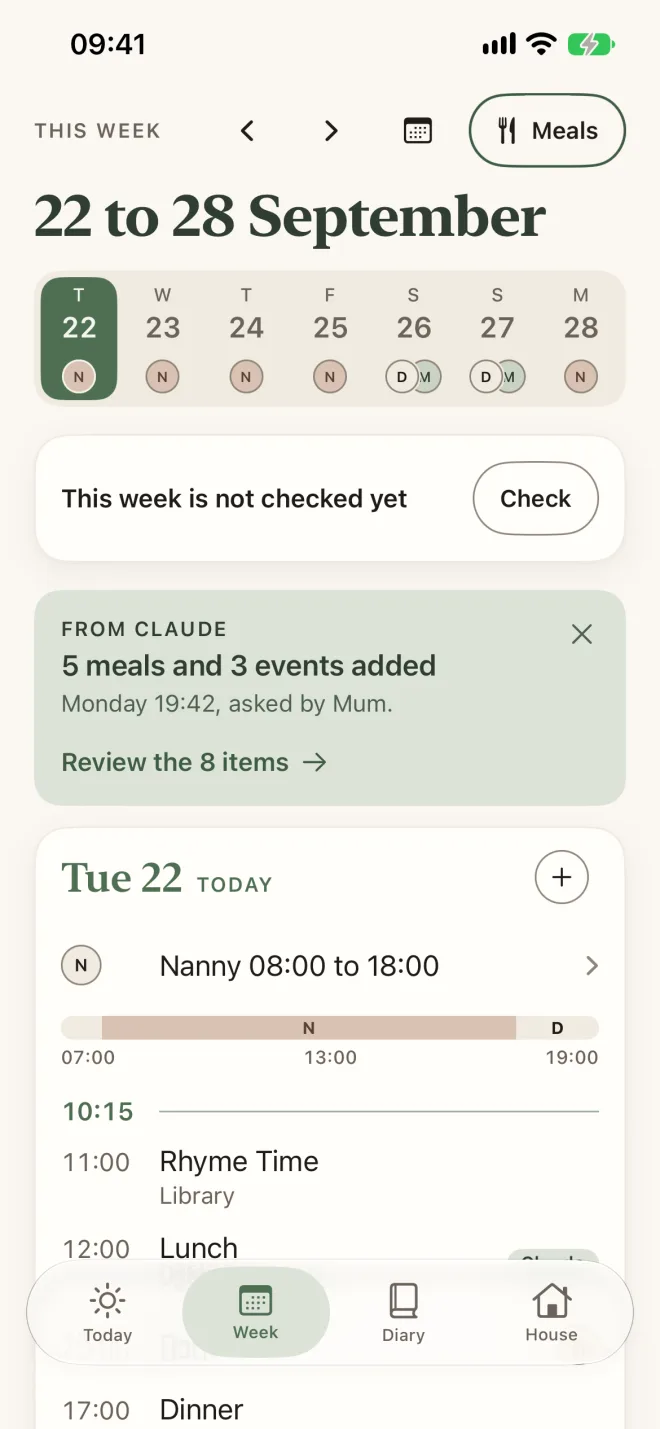
Tap a usual class or type it the way you would say it: “Swimming Wednesdays 4.30”. A photo of a club’s timetable works too.
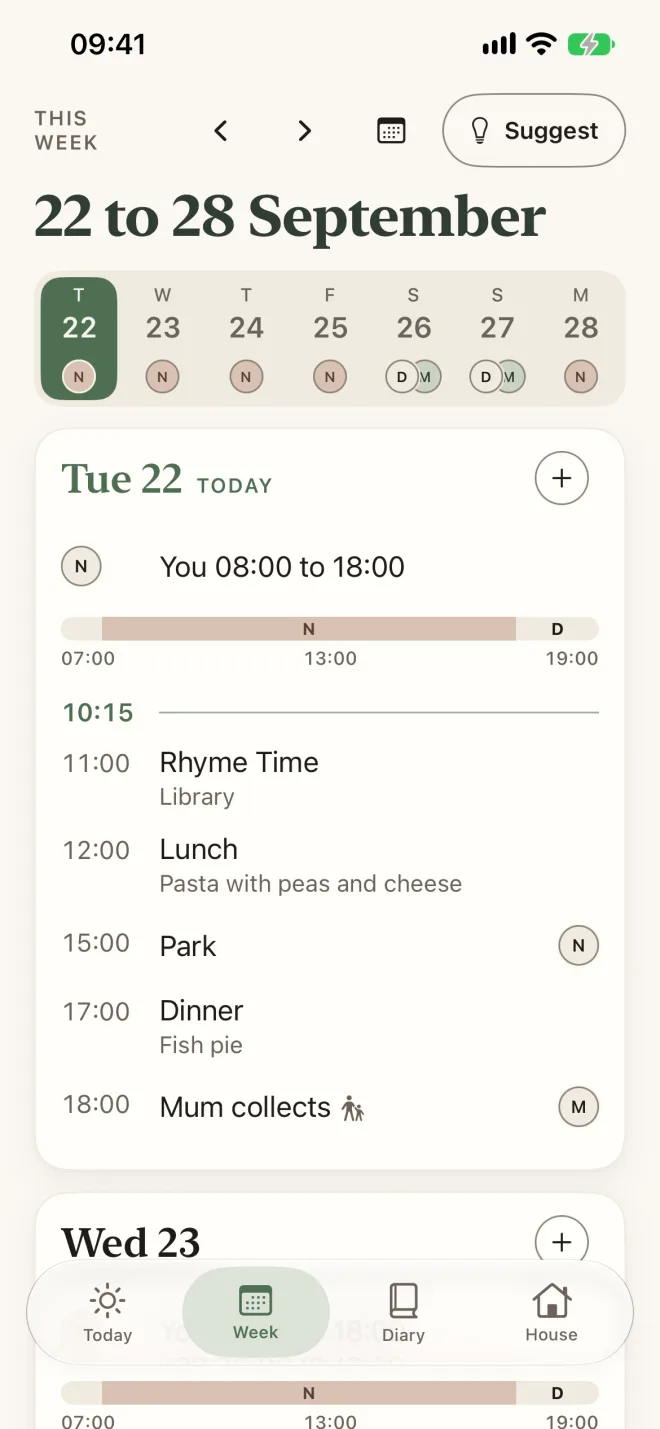
The handover08:00
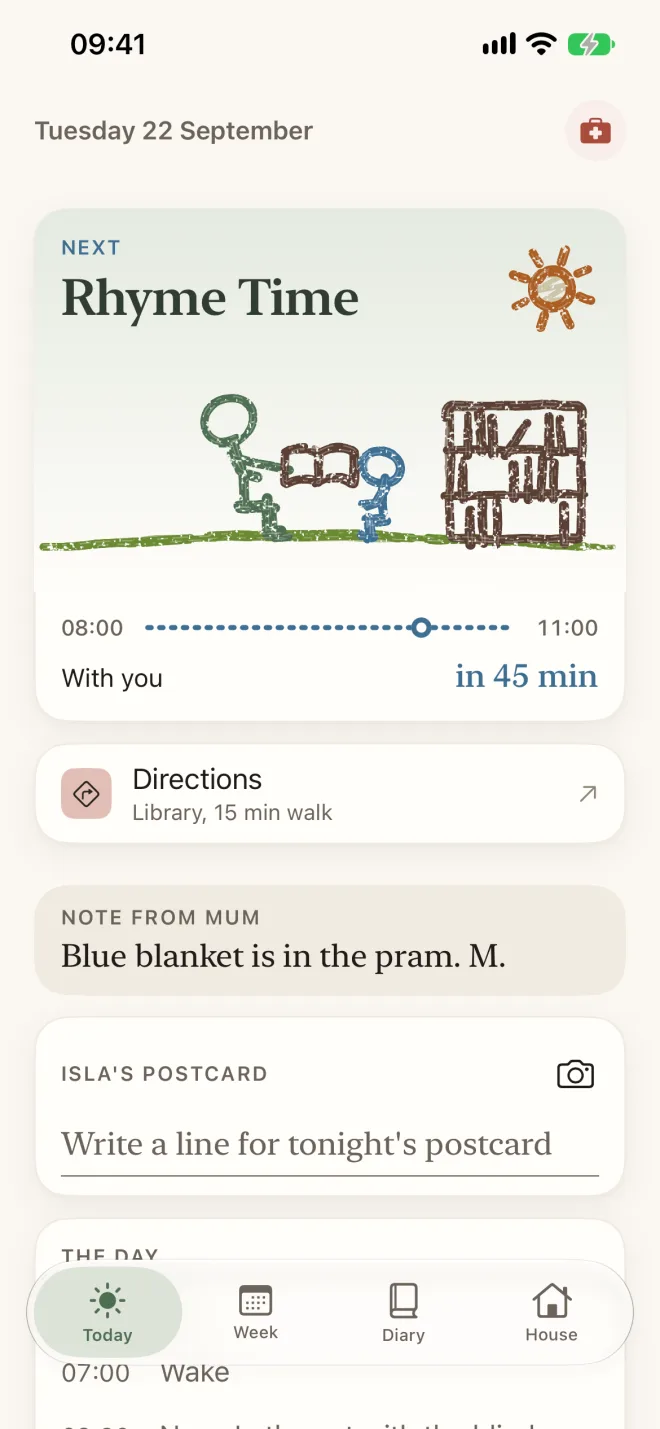
What is next and when to leave, lunch from the week’s plan, and a note from Mum.
From anywhere11:00
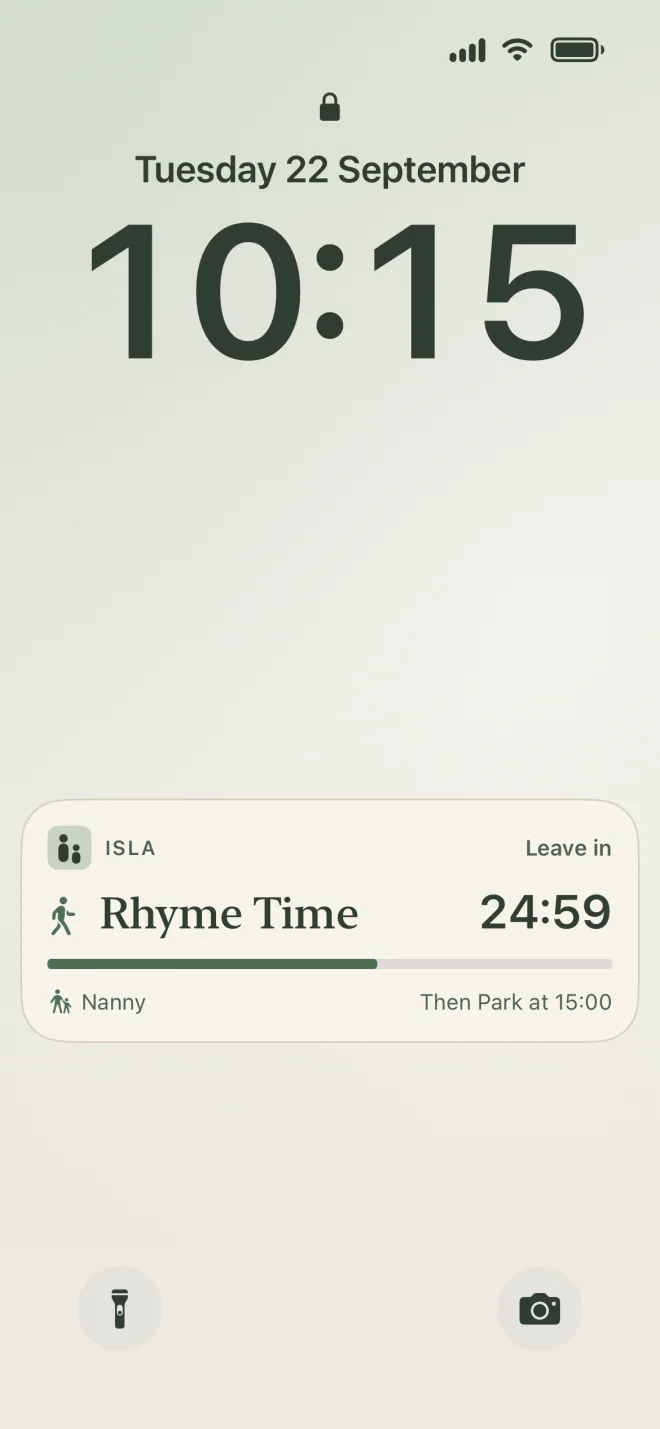
The Lock Screen shows where Isla is and until when. Nobody has to send a text.
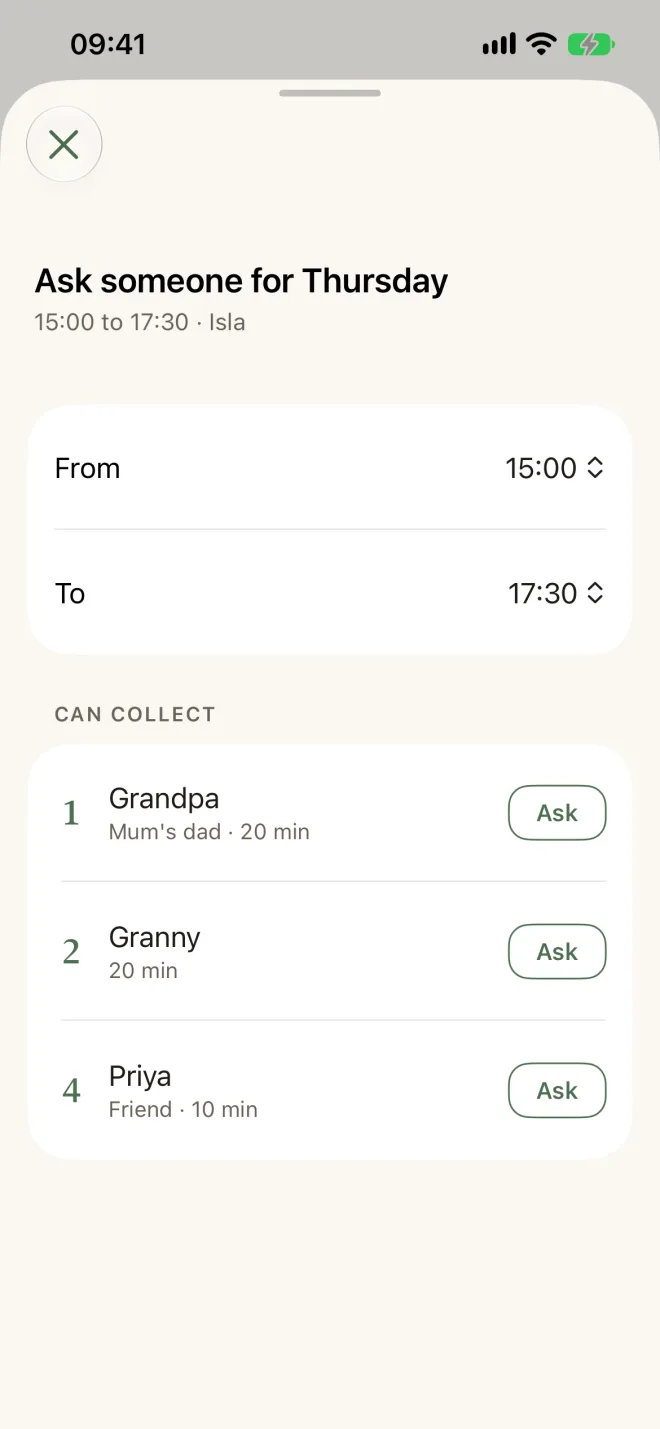
Helping out15:00
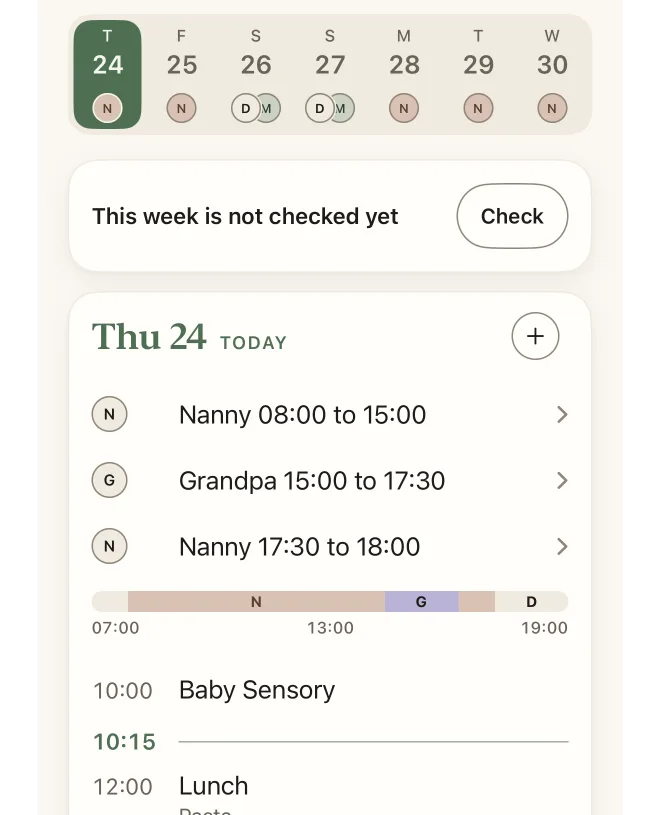
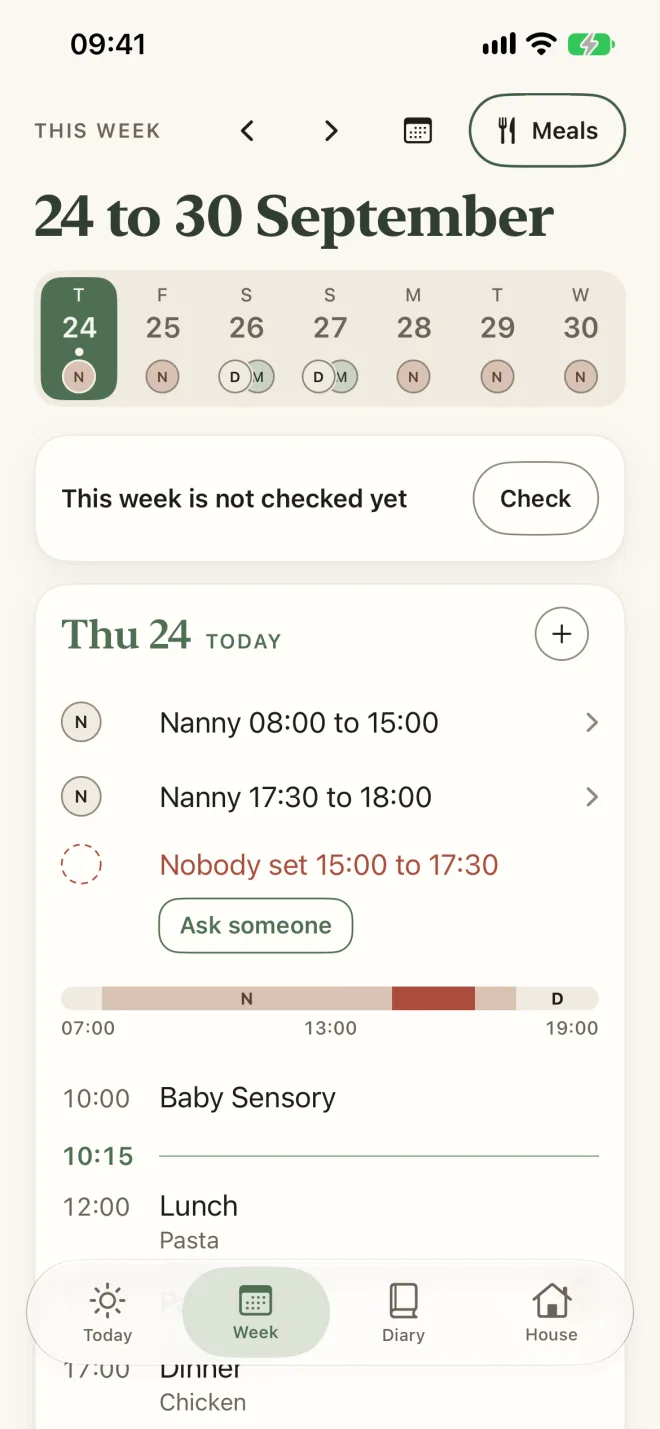
Week shows the gap. Ask someone from your emergency card, and the first yes is booked. Grandpa sees the plan, the routine and the house notes for the days he helps out.
The evening18:30
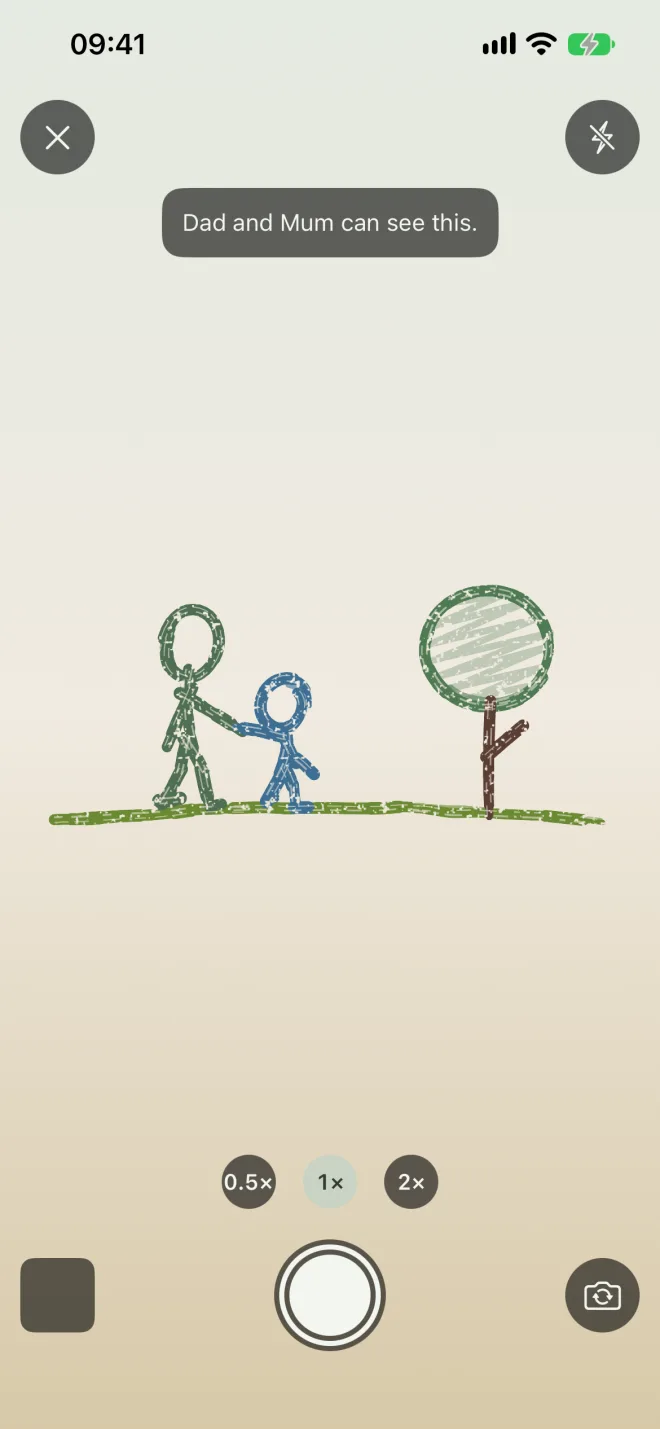
Nanny says or types a few lines in her own language. Elodie tidies them into a postcard in each parent’s language, and she checks it before she sends it.
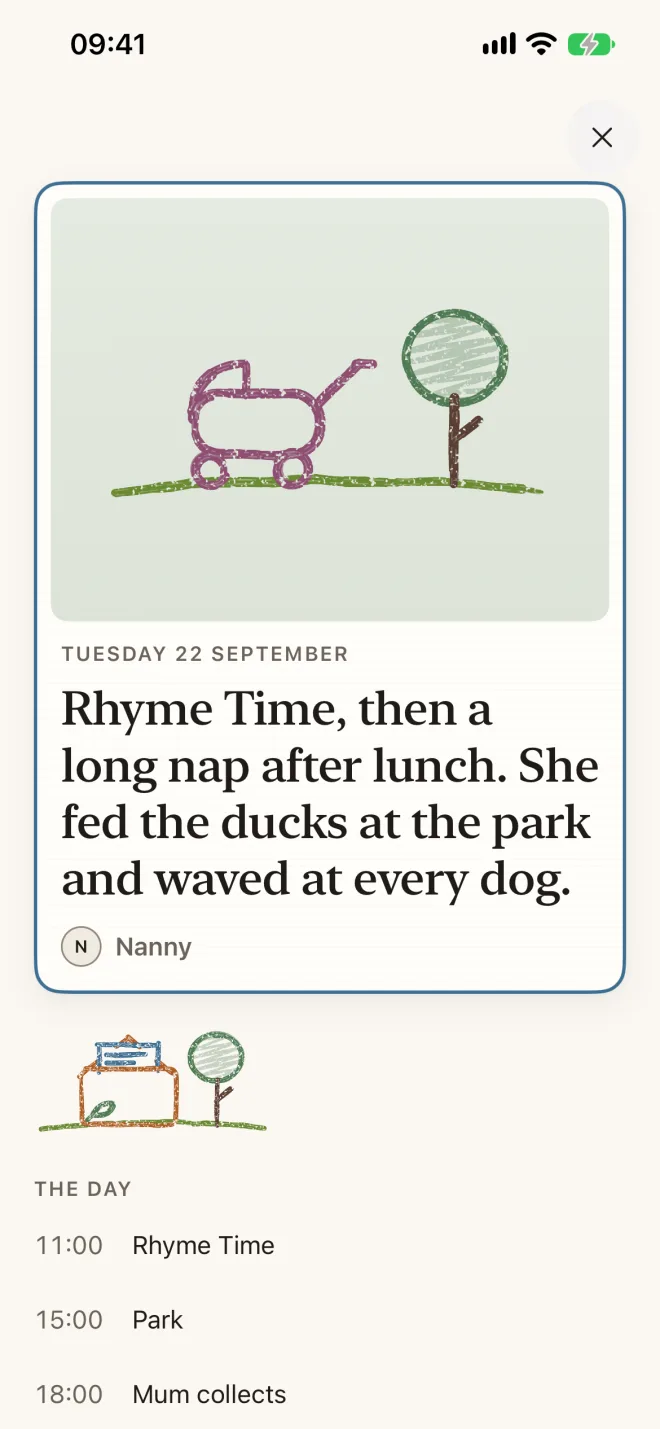
Rhyme Time e, depois do almoço, uma sesta comprida. No parque deu de comer aos patos.
Rhyme Time, then a long nap after lunch. She fed the ducks at the park.
Ask Isla about the ducks
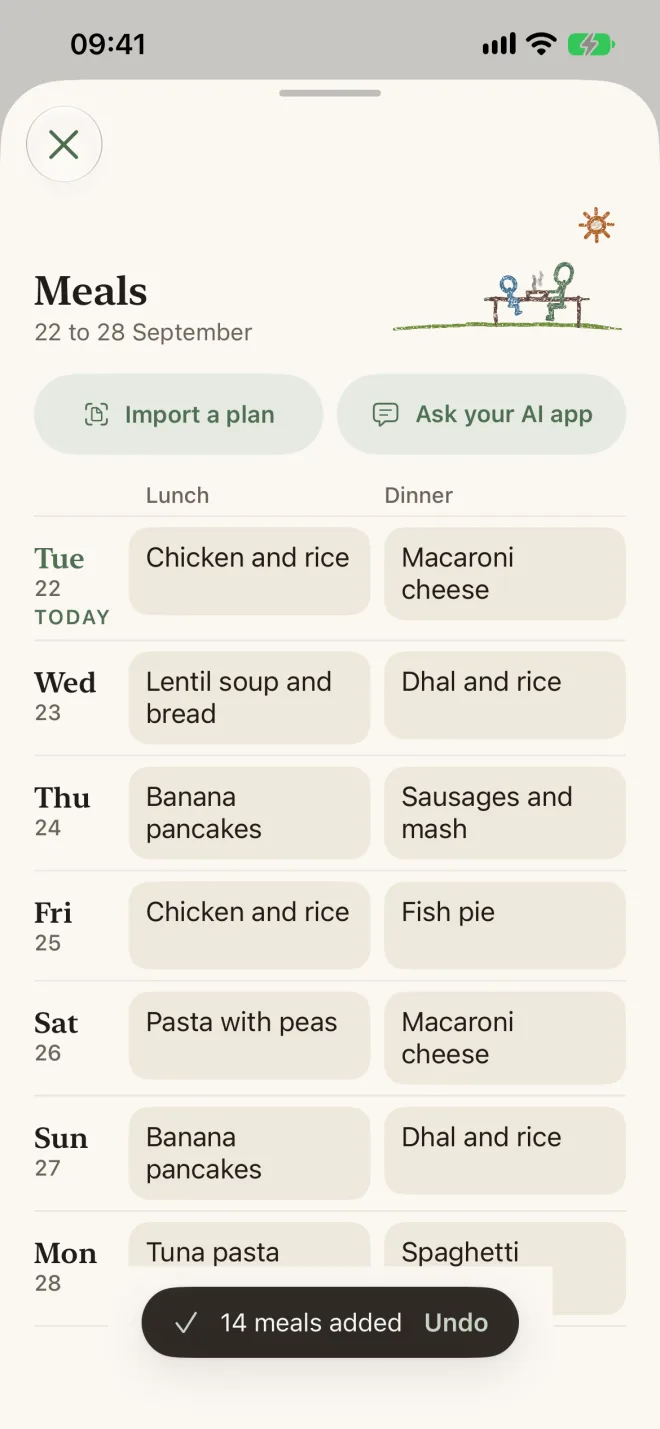
Ask your AI app for a week of lunches or a few outings. They go straight into Elodie.
Plan next week’s lunches and a few outings, and add them to Elodie.
Elodie · added 5 meals and 3 events
Done. Five lunches and three outings are in Elodie’s week.
One subscription covers the whole household.
Families with a nanny. Both parents, the nanny, and a grandparent or a sitter on the days they help all join the same household with a link from a parent.
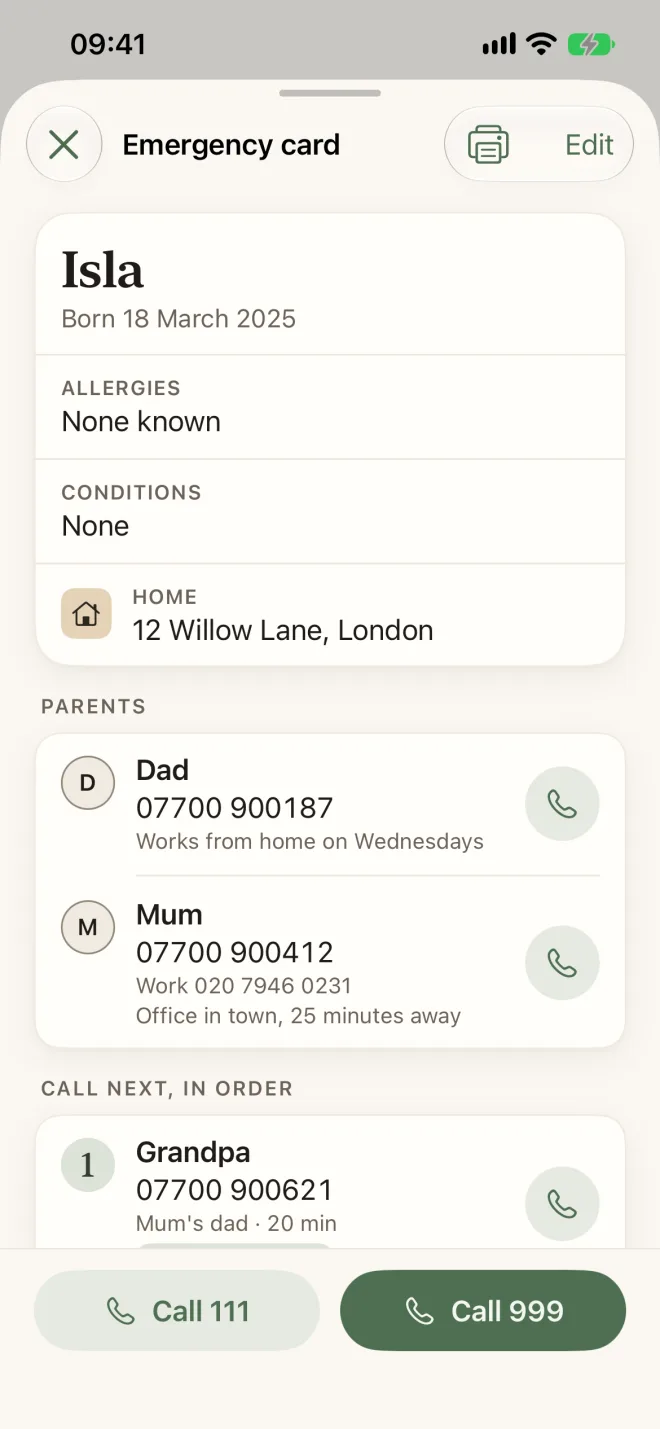
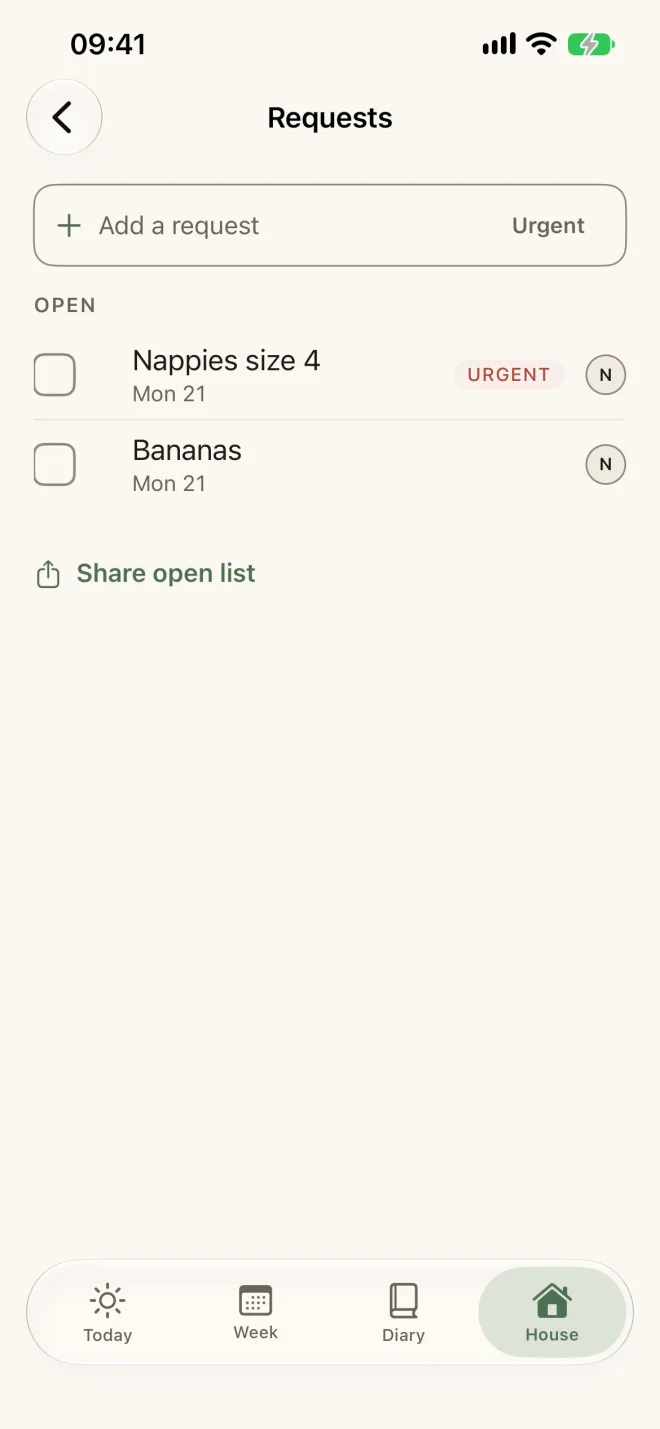
Elodie keeps the plan, lunch, notes, requests and the emergency card together, and the parents get one summary when the nanny’s day ends.
Anyone on your emergency card who can collect, such as a grandparent or a friend. They answer from the message and can see the day they help out from the evening before.
Yes. The week syncs both ways with Google Calendar and Apple Calendar.
The people in your household. Someone who helps out sees them only around the days they help out. Photos are kept on Elodie’s servers in London.
Records are stored in London, and there are no ads or trackers. Health records stay off until a parent turns them on, and you can delete everything at any time.
In the United Kingdom first, then the United States, Canada, Australia and New Zealand. Everyone who uses Elodie needs an iPhone.
In your App Store settings, at any time. The app becomes read only and nothing is deleted, and you can export everything.